
Java, J2EE, and Service Oriented Architecture Project
Banking project lets user log in and perform basic banking operations. Tools used:
- Java
- JSP
- JDBC
- Oracle
- HTML
- Bootstrap
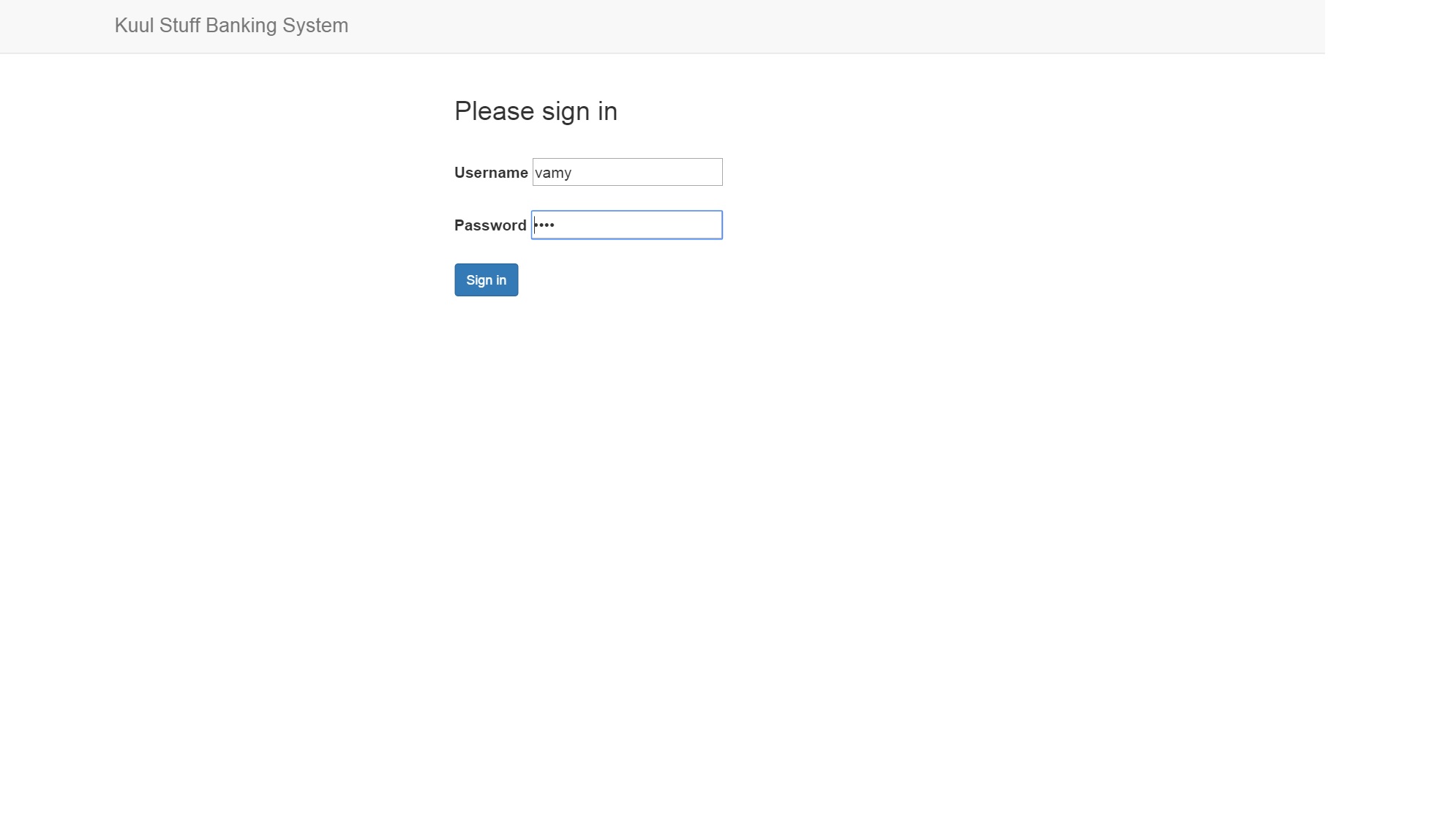
Login: Checks the user credentials.
Login Page is the landing page of the application. User logs in with username and password which will be checked against database. If the credentials are correct, user can get access to the banking system. Otherwise, error screen is displayed.
Banking system: The main screen of the banking project.
The four major operations include create account, manage transactions, view statement, and authorize credit card. The user can select from the available options and can navigate to the respective screen.
Save up to 75% on CyberLink Award Winning Software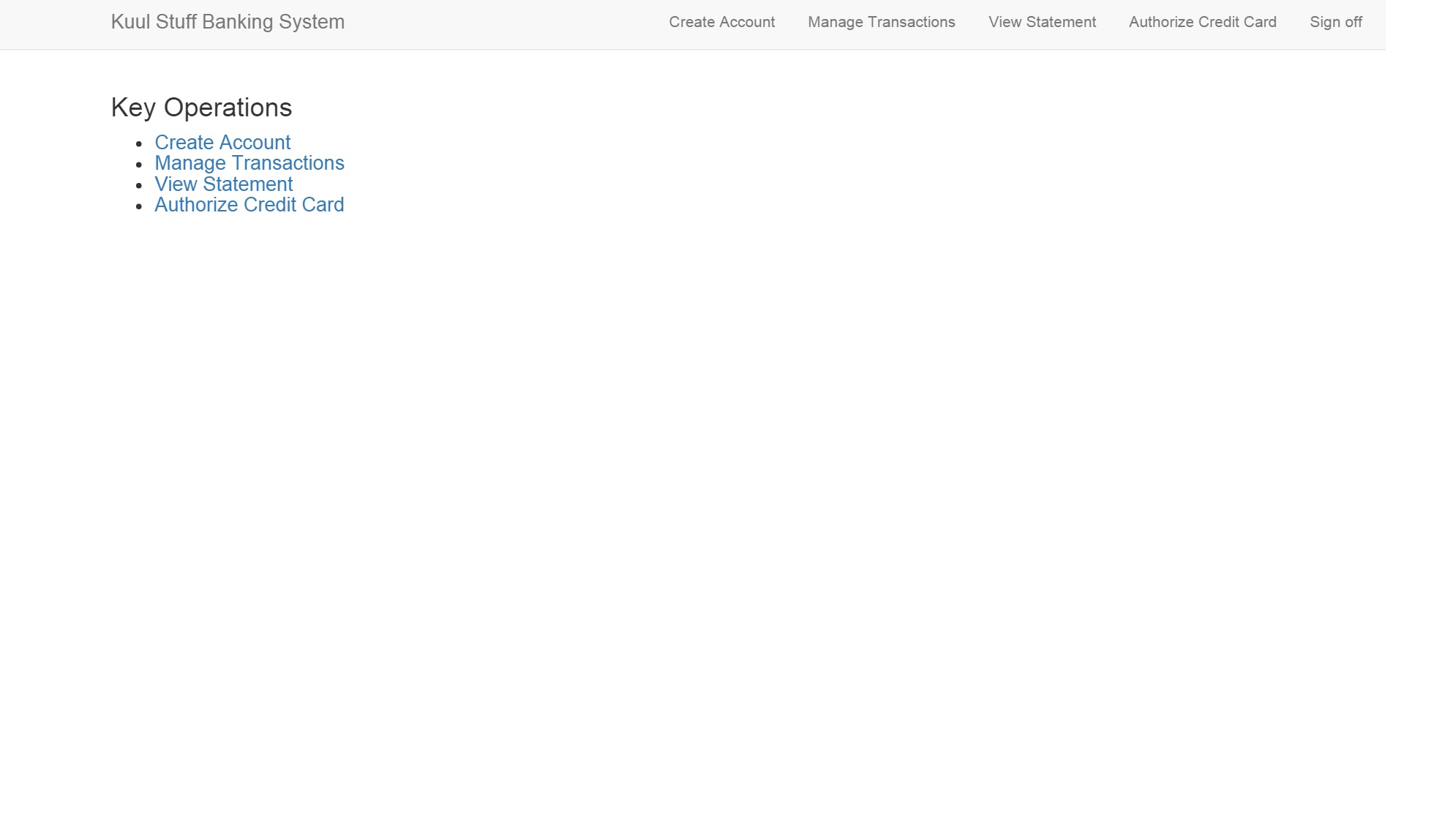
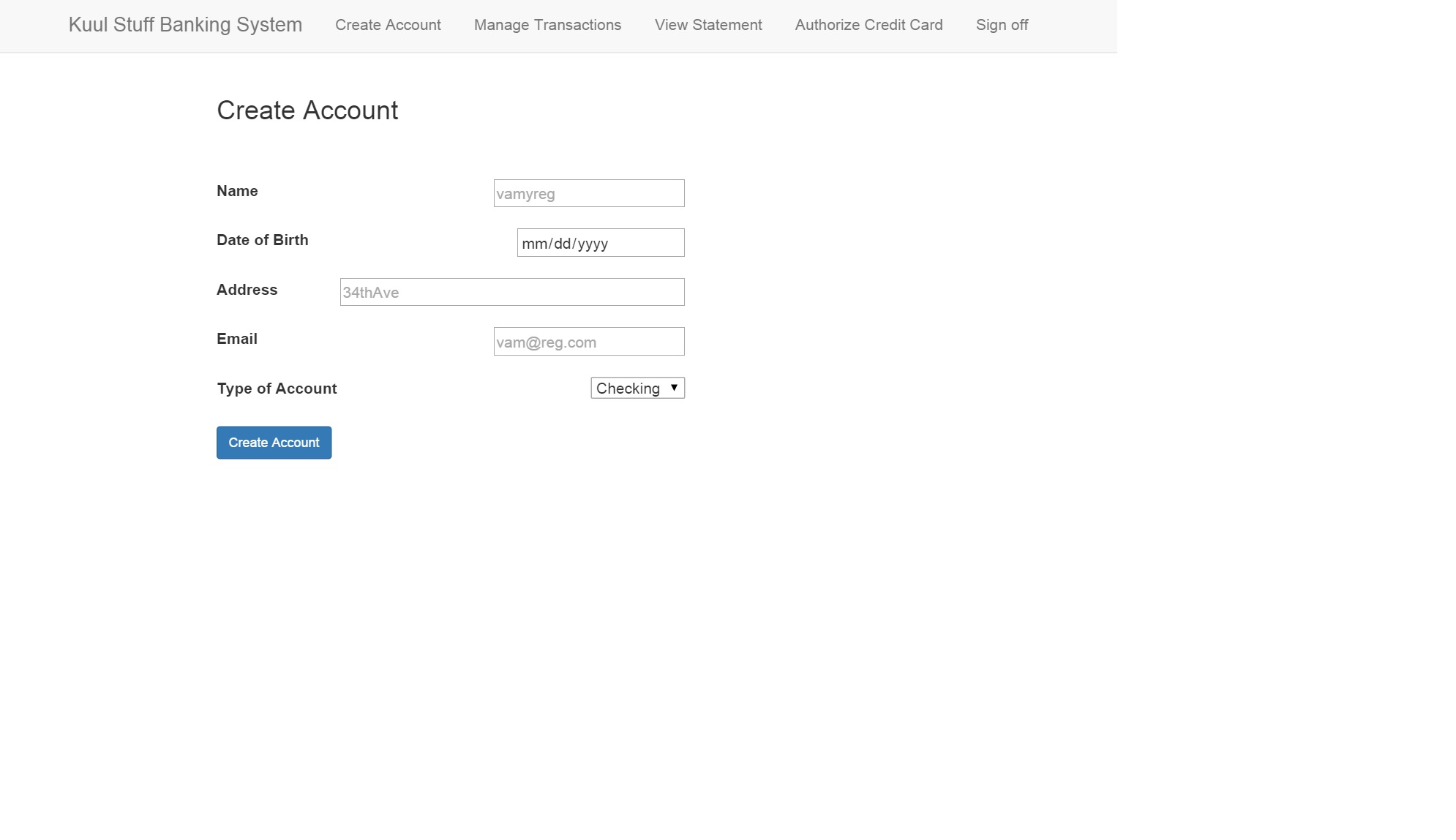
Create account: Creates a new user account.
User is created by entering the name, date of birth, address, and so on. The values are stored in the database and can be tracked by the sessionuser.
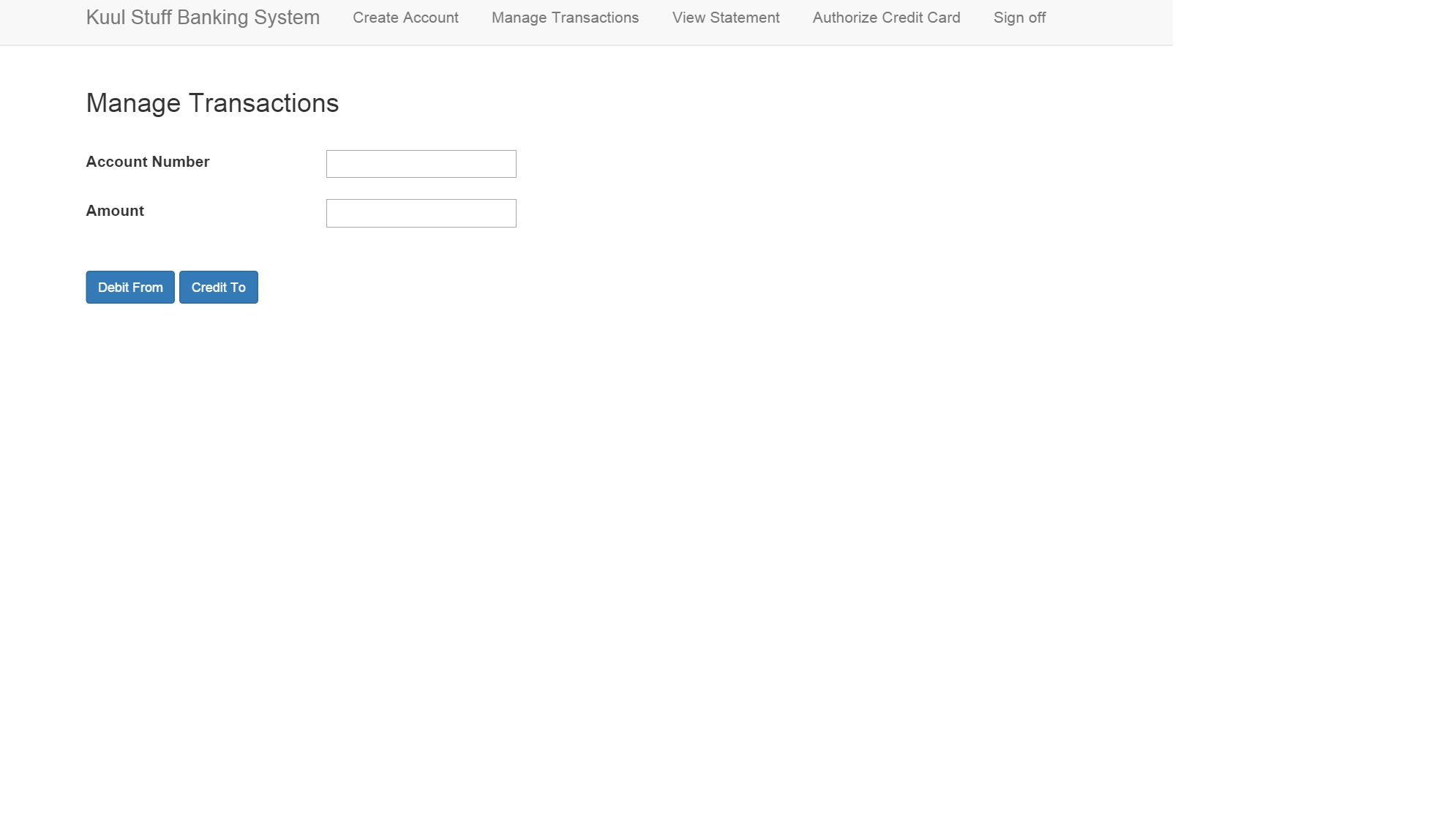
Transactions: Manage user account transactions
User can credit or debit from a given account and amount. The values are stored in the database and can be tracked by the sessionuser.
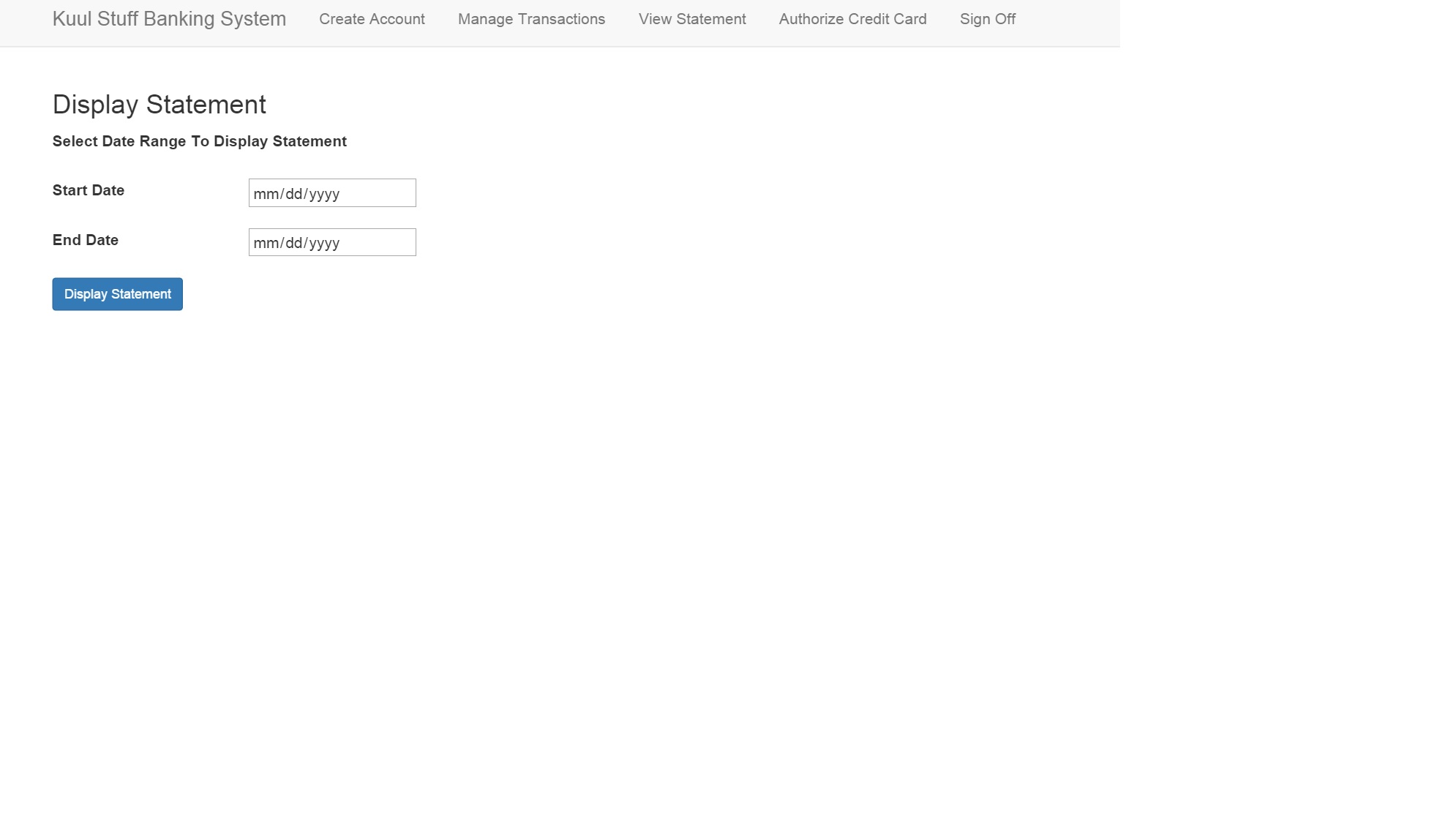
View statement: View the account transactions
User can enter a start date and end date and can view the transactions in that period. The values are retrieved from the database and are tracked by sessionuser.
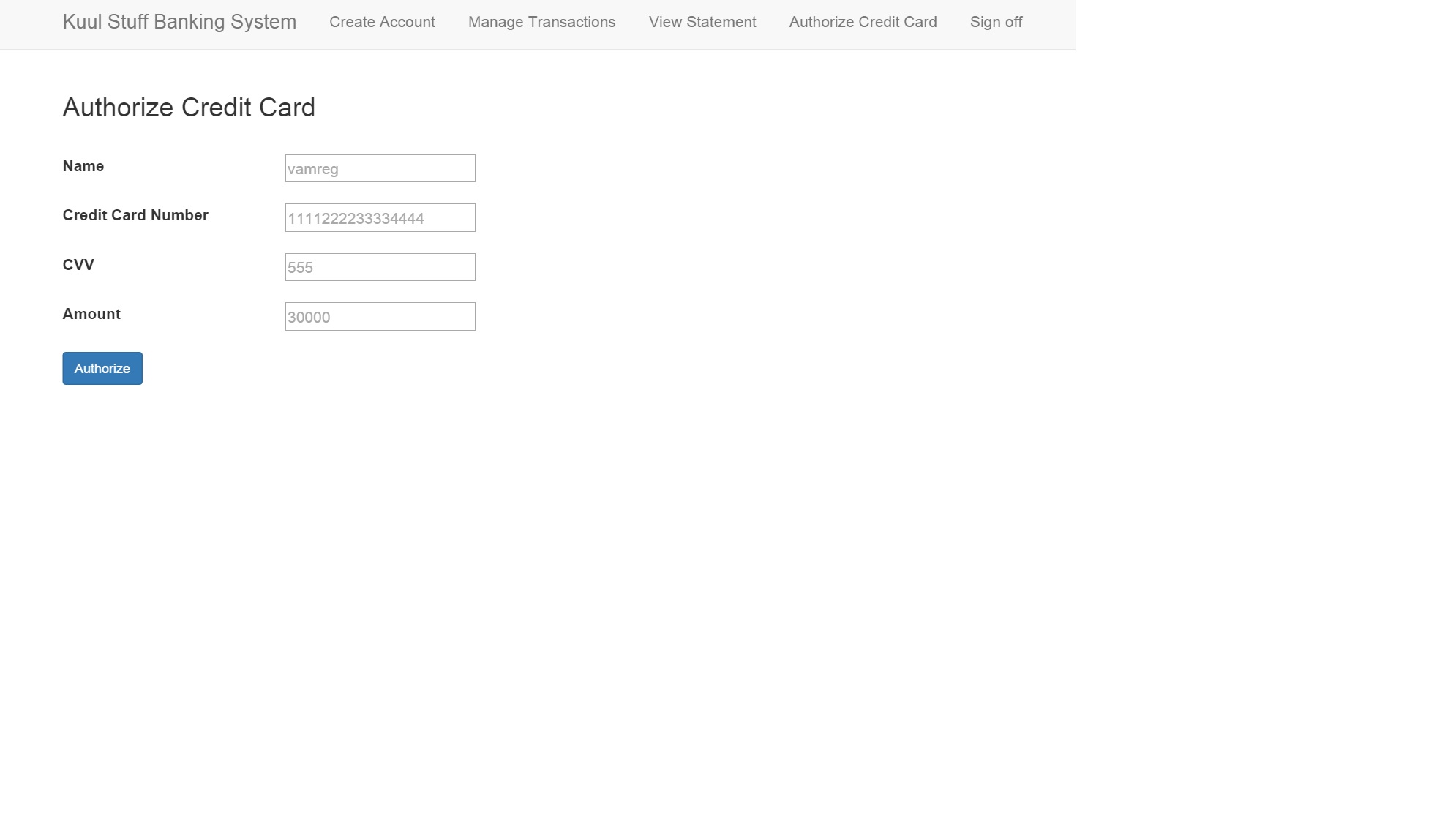
Authorize credit card Check the credit card and amount
User can enter credit card details and amount. If the credit card credentials match with those existing in the database, the transaction is authorized. Otherwise, an error message is displayed. Further, if the amount exceeds a certain amount, the credit card cannot be authorized.